
EMAIL SECURITY
Think Before You Click Emails Can Be Deceptive
July 22, 2026
Protect Your Inbox, Protect Our Organization
Protect your email by staying alert to phishing attempts,fake links,malicious attachments, and impersonation messages. Always verify the sender, especially when an email requests passwords, OTPs, sensitive information or urgent payments. Avoid clicking suspicious links or opening unexpected attachments. Enable multi-factor authentication and keep your systems and application updated. If you received a suspicious email, report it, delete it, and monitor your accounts for unusual activity. Remember, stay alert stay secure, and stay protected.
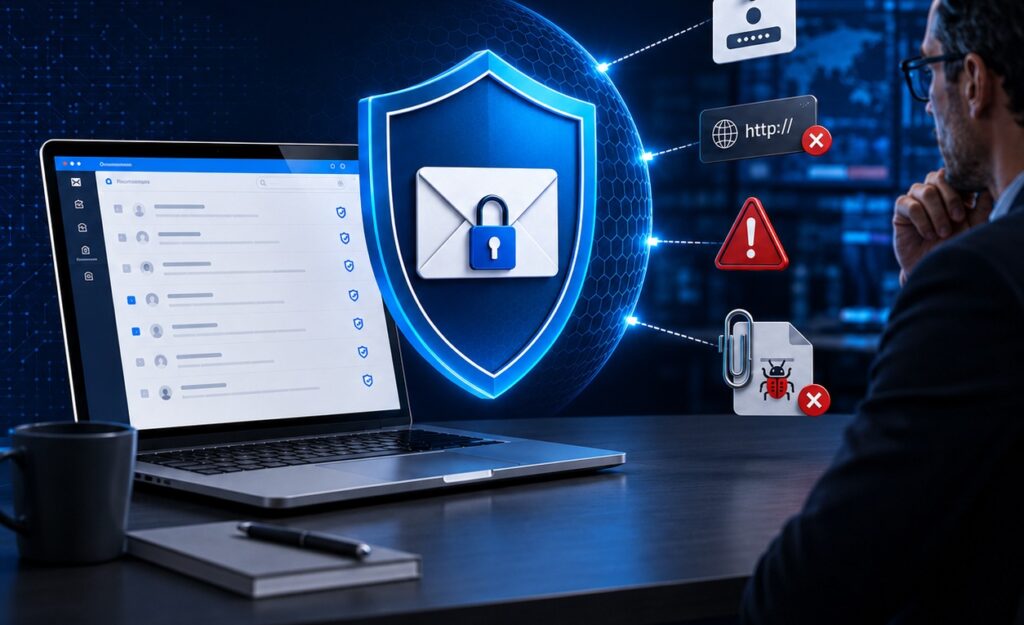
COMMON EMAIL THREATS
• Phishing emails – Fake emails pretending to be trusted sources
• Malicious attachments – Files that install malware
• Fake links – Redirect to fraudulent websites
• Impersonation emails – Pretending to be executives or IT personnel
• Business email compromise – Urgent payment or data requests
• Spam emails – Unwanted messages containing harmful content
WARNING SIGNS
• Urgent messages – “Act now” or “Immediate action required”
• Sensitive information requests – Asking for passwords, OTPs, or confidential data
• Suspicious domains – Misspelled or unfamiliar website and email domains
• Unexpected attachments or links – Unrequested files or suspicious links
• Unrealistic offers – Deals that appear too good to be true
• Management or IT impersonation – Messages pretending to come from executives or IT personnel
HOW TO SECURE YOUR EMAIL
✔️ Verify sender before responding
✔️ Hover over links before clicking
✔️ Do not open unknown attachments
✔️ Enable MFA for email accounts
✔️ Report suspicious emails
✔️ Keep systems and apps updated
IF YOU RECEIVE A SUSPICIOUS EMAIL
• Do not click links or attachments
• Report the email to the IT Security Team
• Delete the suspicious email
• Change your password if you clicked anything
• Monitor your account for unusual activity
Email security is a shared responsibility that requires constant awareness and responsible action. By staying alert to phishing emails, malicious attachments, fake links, and impersonation attempts, we can reduce potential risks. Every employee plays an important role in protecting the organization’s information, systems, and reputation. Always verify the sender before responding to unexpected or urgent requests. Avoid clicking unfamiliar links or downloading attachments from unverified sources. Never disclose passwords, OTPs, or confidential information through email. Report suspicious messages immediately through the appropriate internal channels. Prompt action can prevent security incidents from causing significant damage. Regularly update your passwords, applications, and security settings. Enable multi-factor authentication whenever available for added protection. Consistent adherence to email security practices helps maintain a safe and reliable digital workplace. Together, we can build a stronger culture of cybersecurity, awareness, and accountability. Stay vigilant, stay secure, and help protect our organization